Choose a clear photo
Upload a trail-camera or harvest image in the app. Keep both antlers and every visible point in the frame.
For whitetail hunters · iPhone & Android
Estimate your buck’s antler score from a clear trail-camera or harvest photo. Review a B&C-style measurement breakdown, compare bucks and keep your photos together in RackScore.
Photo upload and scoring happen inside the app. Downloading the app is separate from access to paid features. Check current scoring allowances, plans and any trial terms in the app before subscribing.
See how photo scoring works ↓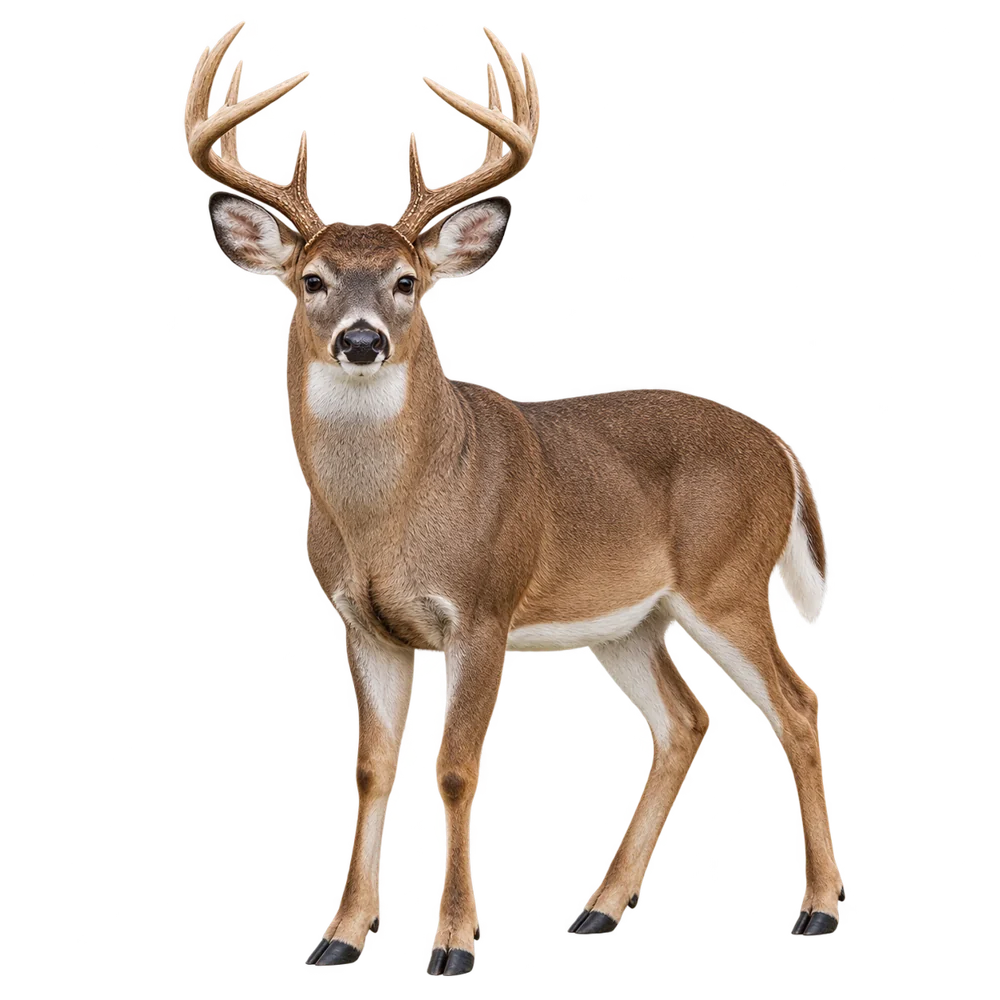
Three steps inside RackScore
A practical starting point for understanding the rack in your photo.
Upload a trail-camera or harvest image in the app. Keep both antlers and every visible point in the frame.
See the estimated score and breakdown of spread, main beams, tine lengths and circumference measurements.
Keep the result in your Trophy Room, revisit the photo and compare saved bucks side by side.
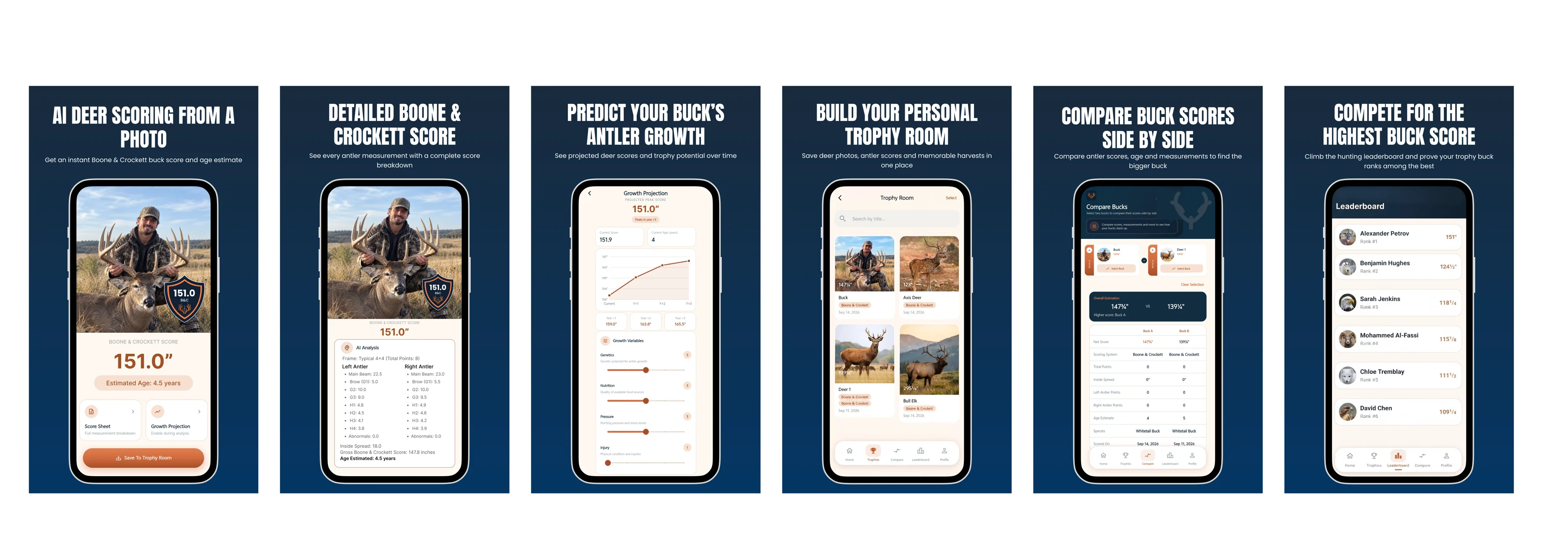
Inside the app
Review estimated antler measurements, explore age and growth estimates, and organize your bucks in one place.
Explore the individual estimates behind a B&C-style total. A photo estimate does not replace physical measurements.
Use visible body characteristics as an age reference. Growth projections illustrate possibilities, not guaranteed outcomes.
Save buck photos and results, then compare estimated scores and ages across your collection.
Look beyond the total: review each side’s estimated beams, points and mass. These are photo estimates, not tape measurements.
Save photos and results in your Trophy Room so you can revisit the original image alongside its estimate.
Review saved estimates side by side. Differences in photo quality can affect the comparison; a higher estimate is not proof of a larger measured rack.
Screens are supplied promotional artwork. Scores and photos illustrate the interface, not an accuracy test. App appearance may vary by version.
Scroll sideways to explore the app screens.
Choose the right image
Choose the sharpest frame with the rack clearly visible. Motion blur, darkness, steep angles and vegetation can hide points or distort apparent proportions.
A clear view helps you compare bucks while scouting. Hidden antler structure cannot be reliably measured from a photo.
Keep the full rack in the frame and avoid hands or equipment covering the antlers. Use a clear, well-lit image without extreme perspective.
If you have access to the rack, physical measurements provide a useful check against the photo estimate.
Know what the result means
RackScore uses AI to estimate antler measurements from what is visible in a photo. Camera angle, distance, image quality and hidden points can change the result.
We do not publish a validated overall accuracy percentage. For an official record-book score, use physical measurements and the relevant organization’s scoring process.
Read our methodology and limitations →Deer scoring app questions
Yes. RackScore uses a clear buck photo to estimate visible antler measurements and a B&C-style score. It cannot directly measure the rack, so treat the result as an estimate.
Accuracy depends on the photo and the visible rack. Blur, perspective and obscured points introduce uncertainty. Compare the estimate with physical measurements when available; do not treat it as a certified score.
Yes. Use a sharp frame showing both antlers with minimal obstruction. A dark, blurred or heavily angled image may not contain enough detail for a useful estimate.
Yes. Use the App Store link for iPhone or the Google Play link for Android. Photo upload and scoring take place inside the app.
RackScore provides an age estimate using visible characteristics. A clear full-body photo offers more context than an antler-only crop, but appearance alone cannot establish an exact age.
No. RackScore provides an AI-assisted, B&C-style estimate. Official scoring requires physical measurement and compliance with the applicable organization’s rules.
Yes. Save scored bucks in your Trophy Room and compare their estimated scores and ages. Growth projections are illustrative and should not be treated as predictions of a guaranteed future score.
Available on both platforms
Have a clear buck photo ready? Download the app to estimate, review and save your next score.
Review current plans and subscription terms inside the app.